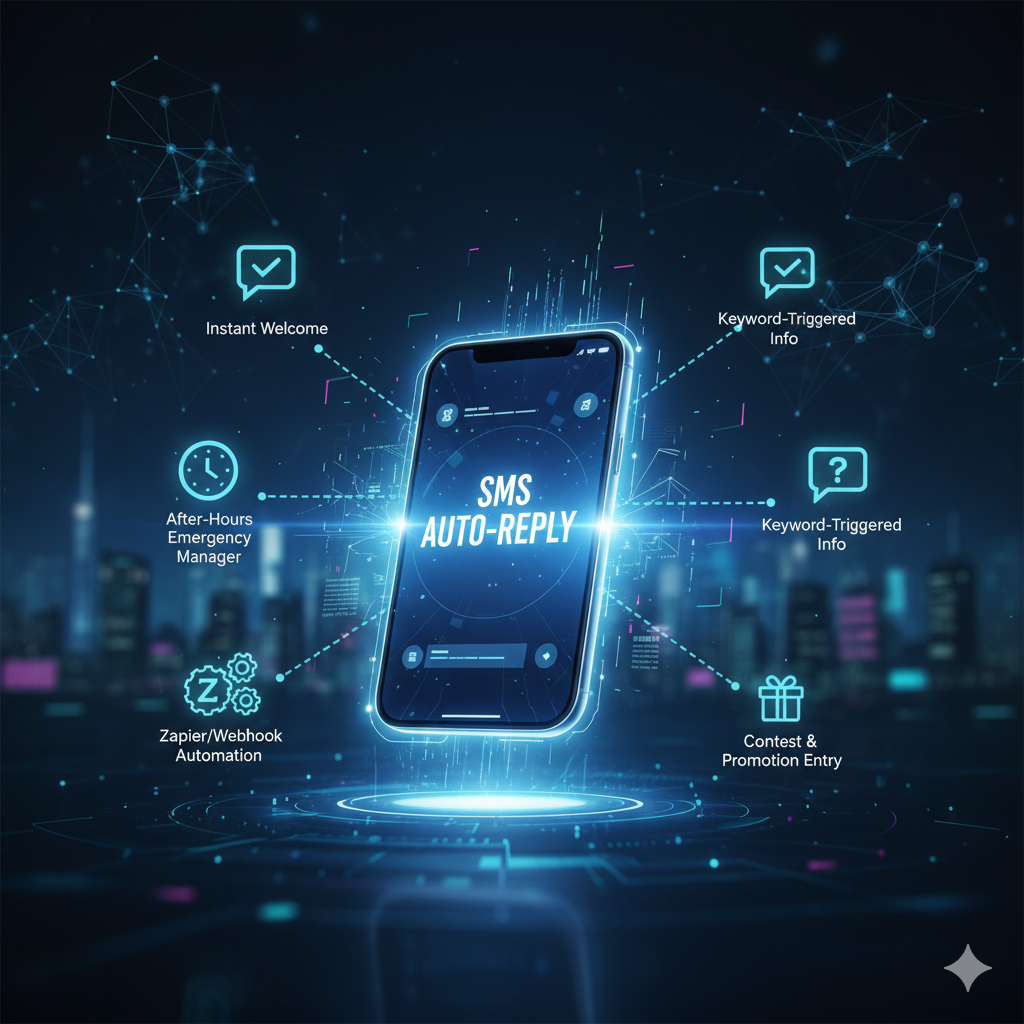

In the world of business, efficiency is king. While having an Unlimited SMS Gateway like SMSDojo.io already gives you a massive advantage in communication costs and reach, the true power is unlocked when you integrate it with your existing tools and automate your workflows.
Imagine capturing leads, sending confirmations, or delivering timely updates, all without lifting a finger. That’s the magic of automation, and with SMSDojo’s flexible Webhooks and API, it’s simpler than you think.
Here are three essential automation workflows you can implement today to connect your SMS gateway and supercharge your business operations.
Workflow 1: Instant Lead Capture and CRM Integration
The Challenge: You run a marketing campaign, and prospects text a keyword to express interest. Manually adding each new contact to your CRM or spreadsheet is time-consuming and prone to delays, meaning lost leads.
The Solution: Use SMSDojo’s keyword auto-reply to trigger a Webhook that pushes lead information directly into your CRM or Google Sheet.
How it Works with SMSDojo:
Set up a Keyword: In SMSDojo, create a custom auto-reply for a specific keyword (e.g., “INFO”). The auto-reply confirms receipt to the customer.
Configure a Webhook: Within SMSDojo, for that same keyword, add a Webhook action. This webhook will send data (like the sender’s phone number and the keyword they texted) to a URL.
Connect to Your CRM (via Zapier/Make.com):
Create a new Zap (in Zapier) or Scenario (in Make.com).
Trigger: Choose “Webhook” (or “Catch Hook”). This will give you a unique URL.
Action: Choose your CRM (e.g., HubSpot, Salesforce, Pipedrive) or Google Sheets. Map the phone number received from SMSDojo to the “Phone” field in your CRM, and perhaps the keyword to a “Lead Source” or “Notes” field.
The Benefit: As soon as a prospect texts your keyword, they get an instant confirmation, and their details are automatically logged into your sales pipeline, ready for immediate follow-up. No manual data entry, no missed leads.
Workflow 2: Automated Appointment Reminders & Confirmations
The Challenge: Manual appointment reminders are tedious and prone to human error. Missed appointments cost businesses significant revenue.
The Solution: Connect your scheduling software to SMSDojo to send automated, personalized appointment reminders and confirmations.
How it Works with SMSDojo:
Your Scheduling Tool: Most modern scheduling platforms (e.g., Calendly, Acuity Scheduling, TidyCal) offer direct integrations or Webhooks.
Connect via Zapier/Make.com:
Trigger: Set up a Zap/Scenario that triggers when a new appointment is booked or an appointment is due soon in your scheduling software.
Action: Choose “SMSDojo” as the action app.
Configure Message: Map details from your scheduling tool (e.g., client name, appointment date/time, service) to create a personalized SMS message. Specify the client’s phone number as the recipient.
Example SMS: “Hi [Client Name], just a friendly reminder about your [Service Name] appointment on [Date] at [Time]. We look forward to seeing you!”
The Benefit: Significantly reduce no-shows, improve client communication, and free up staff time previously spent on manual reminders.
Workflow 3: E-commerce Order Status Updates
The Challenge: Customers crave real-time updates on their orders. Manually sending shipping notifications or order confirmations after every purchase is impossible for growing e-commerce businesses.
The Solution: Integrate your e-commerce platform with SMSDojo to send automated order confirmations, shipping updates, and delivery notifications.
How it Works with SMSDojo:
Your E-commerce Platform: Platforms like Shopify, WooCommerce, or BigCommerce often have Webhooks or Zapier integrations.
Connect via Zapier/Make.com:
Trigger: Set up a Zap/Scenario that triggers when a new order is placed, order status changes to shipped, or delivery confirmation is received in your e-commerce platform.
Action: Choose “SMSDojo” as the action app.
Configure Message: Map relevant order details (e.g., order number, tracking link, estimated delivery date) into your SMS message. Ensure the customer’s phone number is the recipient.
Example SMS (New Order): “Thanks for your order [Order #]! We’ve received it and it’s being processed. We’ll send another update when it ships!”
Example SMS (Shipped): “Great news! Your order [Order #] has shipped. Track it here: [Tracking Link]. Expected delivery: [Date].”
The Benefit: Enhance the post-purchase experience, reduce “where’s my order?” inquiries, and build stronger customer loyalty with proactive communication.
Unleash the Power of Integration
These are just three examples; the possibilities with SMSDojo’s integration capabilities are virtually limitless. By connecting your SMS gateway to your CRM, scheduling tools, e-commerce platforms, and more, you’re not just sending messages – you’re building a fully automated, highly efficient communication ecosystem.
Stop letting manual tasks bog down your operations.
Start for free with SMSDojo today and begin exploring how intelligent automation can transform your business.