
In today’s fast-paced world, speed is the ultimate currency in customer service. A slow response doesn’t just annoy a customer; it costs you a sale. If you’re running a business and using your Android phone as an Unlimited SMS Gateway with tools like SMSDojo.io, you already have a massive advantage in cost and capacity.
But to truly dominate your communication, you need to automate.
SMSDojo’s powerful auto-reply feature allows you to instantly respond to incoming messages based on specific triggers or keywords. This means you can engage customers 24/7, manage expectations, and keep your business running on autopilot.
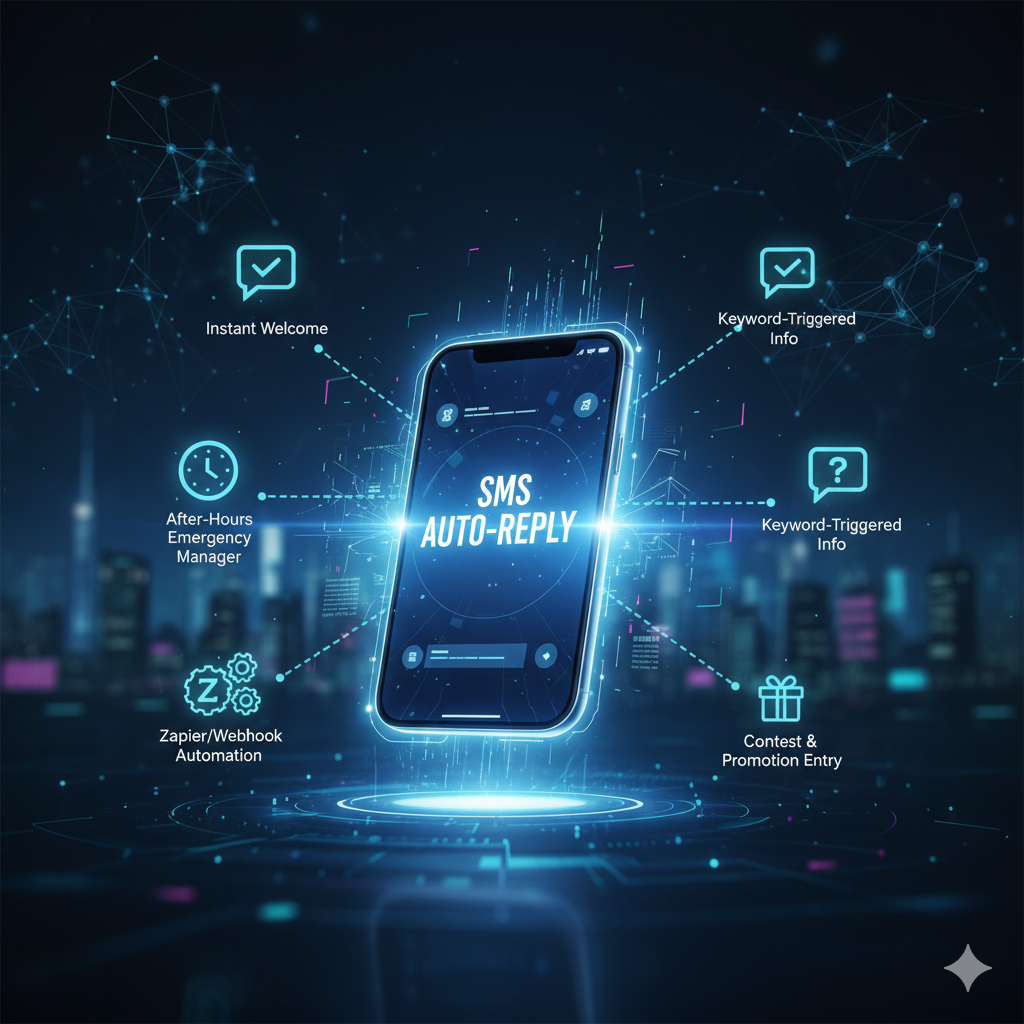
Here are 5 killer strategies to leverage SMS auto-replies and skyrocket your customer engagement using SMSDojo.
1. The Instant Welcome and Opt-In Confirmation
The Strategy: Every new lead, prospect, or first-time customer who texts you should receive an immediate, friendly acknowledgement. This eliminates doubt and builds trust instantly.
How to Use SMSDojo: Set up a default auto-reply that triggers for any message received from a new number. The reply should confirm their opt-in (if applicable) and give them a clear next step.
-
Example Reply: “Thanks for texting us! We’ve received your message and will have a live agent reply during business hours (M-F, 9am-5pm). Need quick help? Text ‘FAQ’ now.”
The Benefit: You instantly set the expectation for a human response time while still providing a valuable, automated interaction.
2. 24/7 After-Hours Emergency Manager
The Strategy: Customers don’t stop texting when your office closes. Using auto-replies to manage after-hours queries ensures you never lose a lead to silence.
How to Use SMSDojo: Configure a specific auto-reply that is time-sensitive. You can set it to only activate outside of your normal working hours. This reply should direct urgent issues to a different channel and assure others their request is logged.
-
Example Reply: “Thanks for contacting [Your Company]! Our office is currently closed. For urgent matters, please call us at (555) 123-4567. We’ll respond to your text first thing tomorrow morning.”
The Benefit: You provide continuous, automated customer care, significantly improving customer satisfaction and demonstrating reliability, even when you’re sleeping.
3. Keyword-Triggered Information Dispensers (The “Text-to-Get” Feature)
The Strategy: Save your team hours of time by providing immediate, automated answers to the most common customer questions (pricing, hours, location).
How to Use SMSDojo: Utilize the Custom auto-replies for triggers feature to assign a specific, detailed response to a specific keyword.
| Keyword Trigger | Auto-Reply Content | Topic |
| PRICE | “Our basic plan starts at just $9/month for unlimited SMS! See all plans here: [Link to Pricing Page]” | Pricing and Plans |
| LOCATION | “We’re located at 123 Main St. Suite 400. Find directions here: [Google Maps Link]” | Contact/Location Info |
| STATUS | “To check your order status, please reply with your Order #. We’ll look it up!” | Order Tracking |
The Benefit: Customers get their information instantly, leading to faster conversions and dramatically reducing the volume of simple questions your live support team has to handle.
4. Advanced Automation: The Zapier/Webhook Connector
The Strategy: Move beyond simple text replies. Use an auto-reply as the first step in a complex automation workflow, linking SMS communication to your favorite platforms.
How to Use SMSDojo: SMSDojo offers APIs and Webhooks that integrate seamlessly with tools like Zapier, Make.com, or Google Sheets. Set an auto-reply to trigger a webhook when a specific, high-intent keyword is used.
-
Example Workflow:
-
Customer texts the keyword “DEMO”.
-
SMSDojo sends an auto-reply: “Awesome! A member of our sales team will reach out within the hour to schedule your personalized demo.”
-
Simultaneously, the webhook fires, automatically creating a new lead row in your Google Sheet or pushing the contact info into your CRM (via Zapier), flagging them for immediate follow-up.
-
The Benefit: You instantly capture and qualify high-intent leads and connect your SMS marketing directly to your entire business automation ecosystem.
5. Instant Contest and Promotion Entry Confirmation
The Strategy: Run simple, engaging text-to-win contests or instant-access promotions to quickly grow your SMS list and drive sales.
How to Use SMSDojo: Designate a contest keyword (e.g., “WIN”) and set an auto-reply to confirm their entry and deliver the instant gratification (like a coupon code).
-
Example Reply: “You’re in! You are officially entered to win a free product bundle. P.S. Here’s a 15% off coupon for instant savings: CODE15.”
The Benefit: You create a fun, low-friction entry point for promotions, rapidly growing your engaged contact list while driving immediate sales conversions with the instant coupon.
By leveraging SMSDojo’s robust auto-reply features across these five strategies, you stop letting messages pile up and start treating every incoming SMS as an opportunity for instant, meaningful engagement.
Ready to save money and automate your customer engagement?
Start for free with SMSDojo today and begin transforming your Android phone into the ultimate communication gateway.